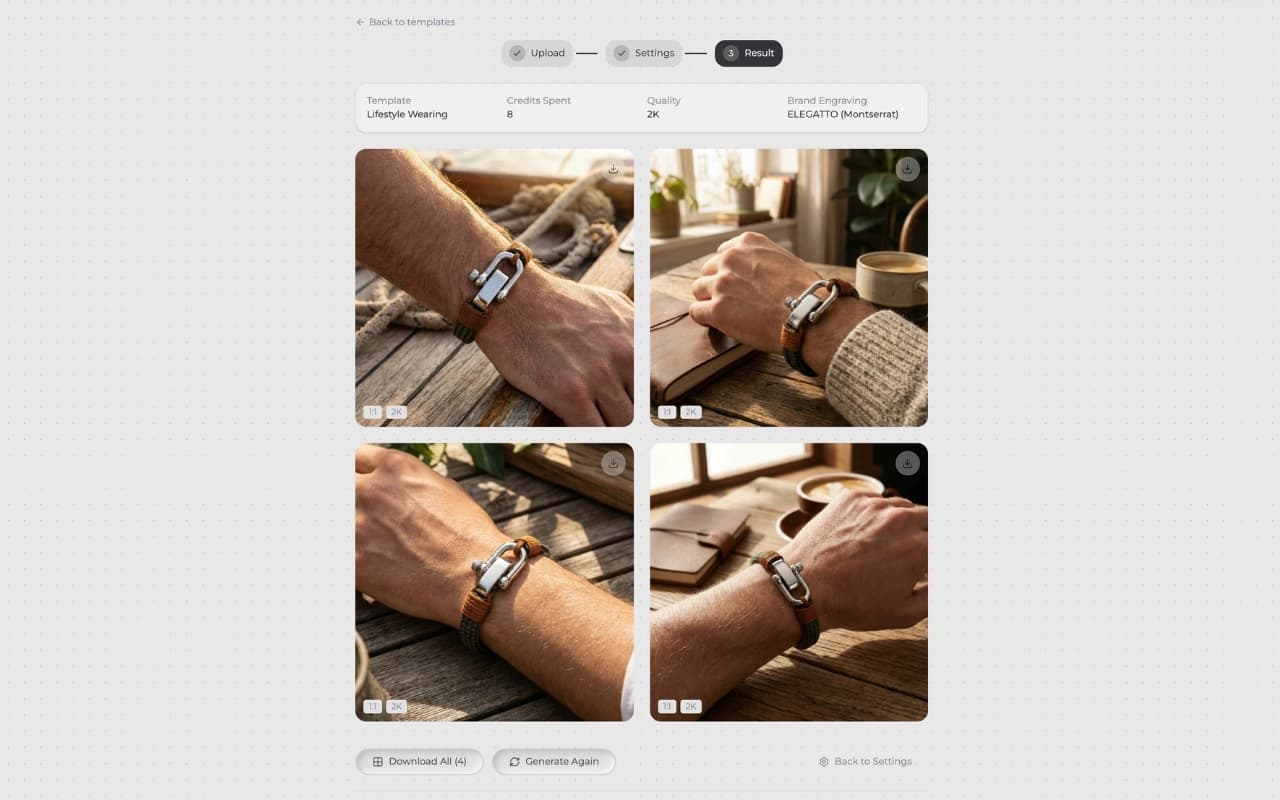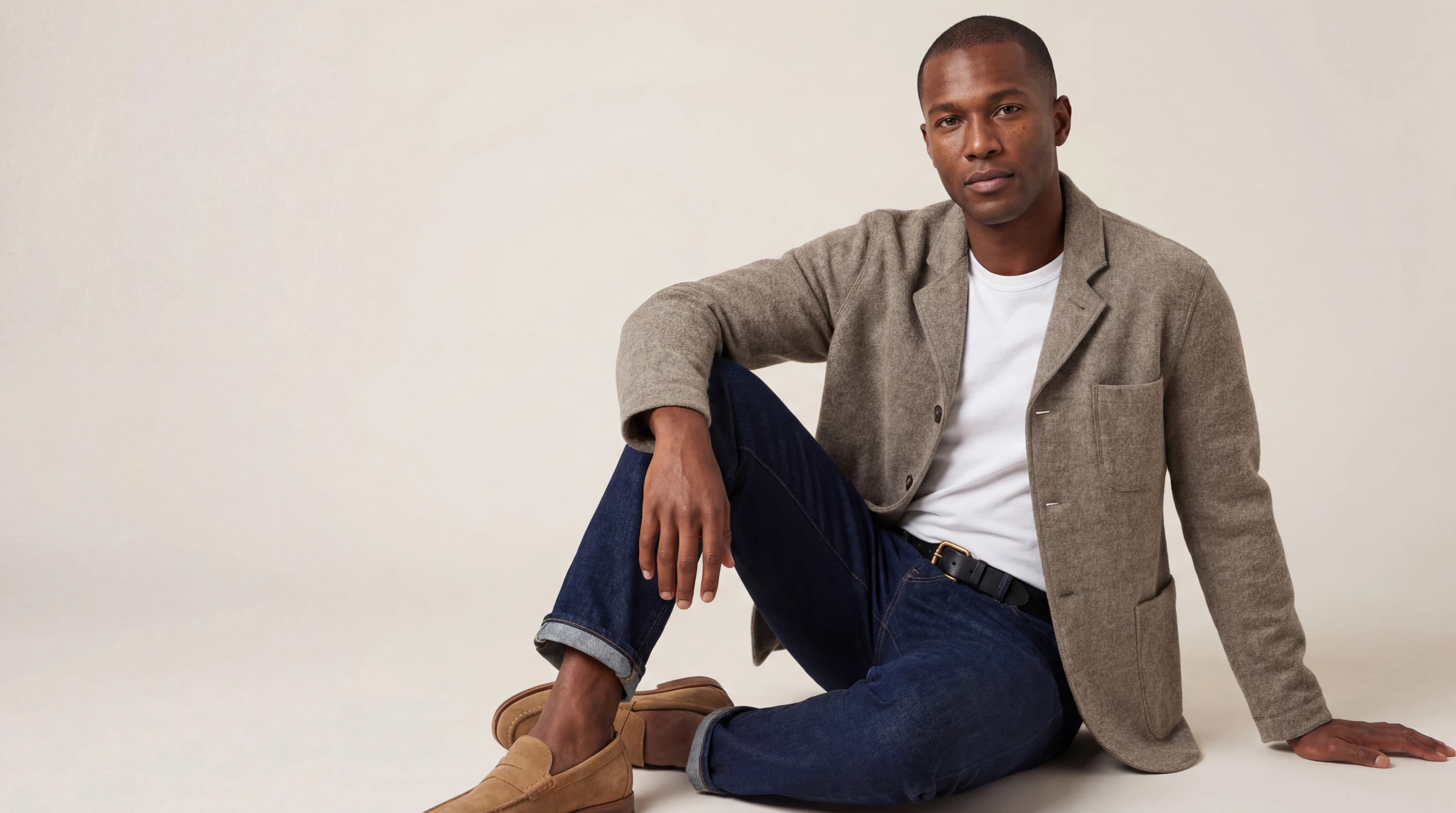
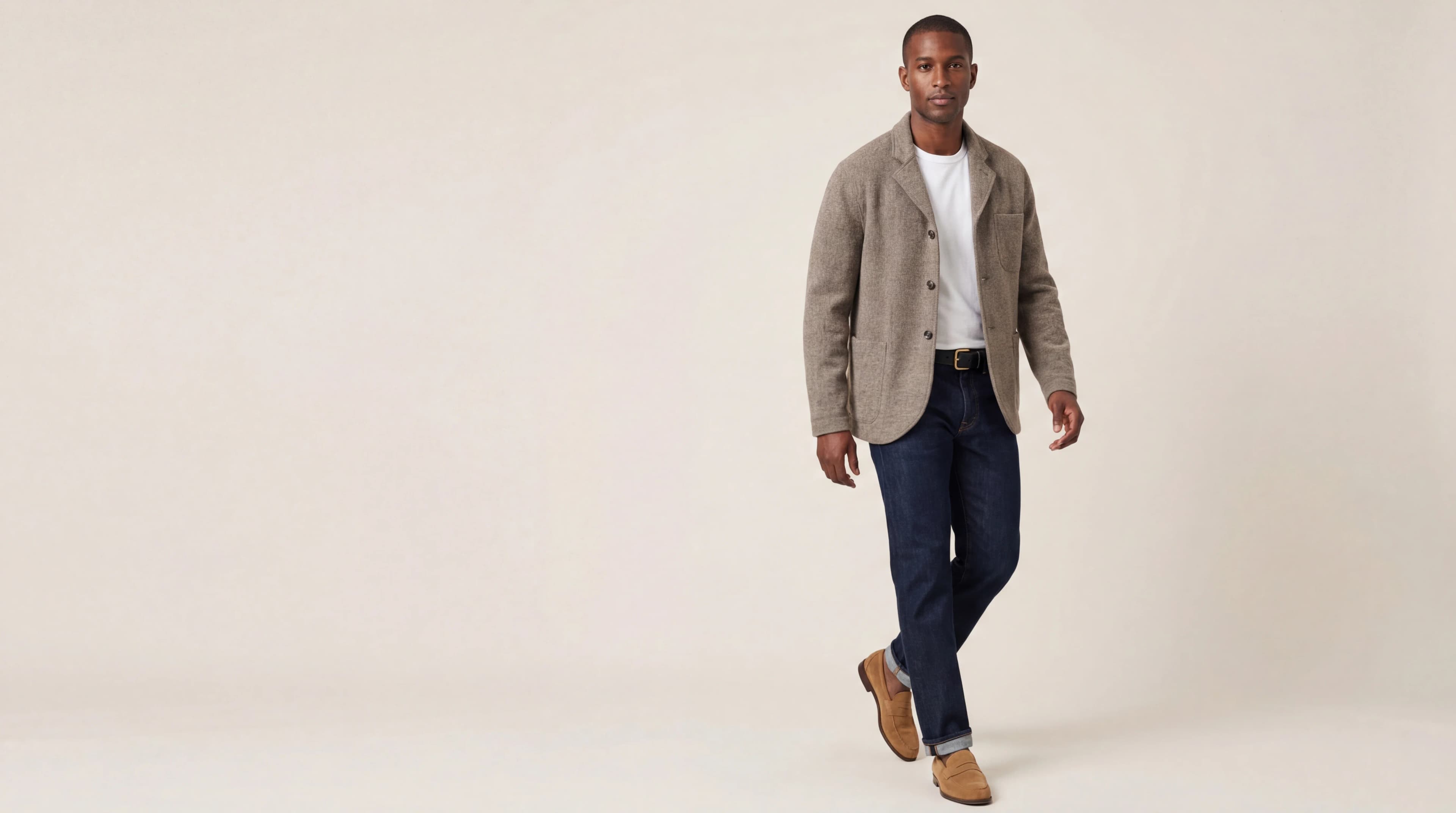
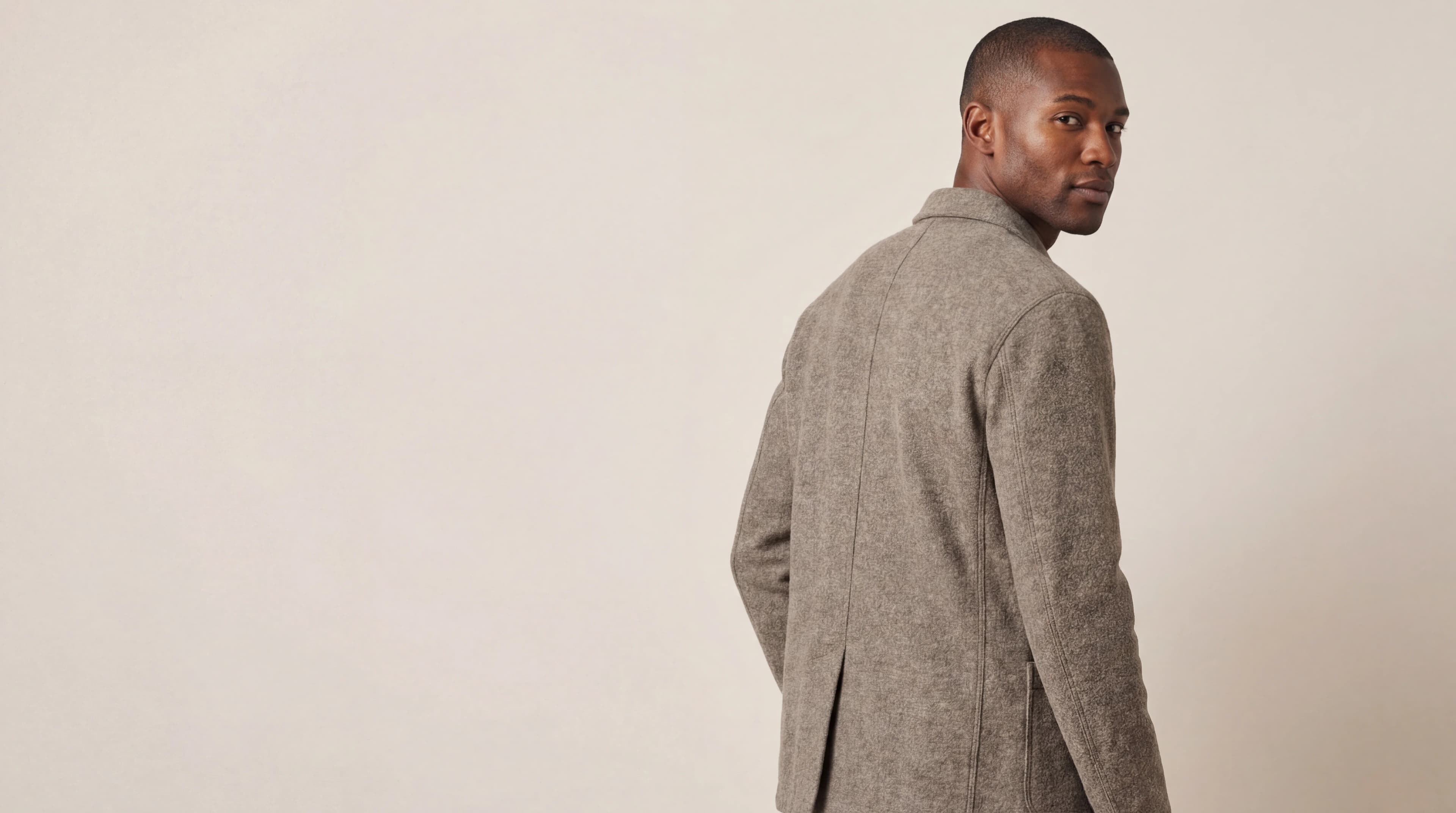
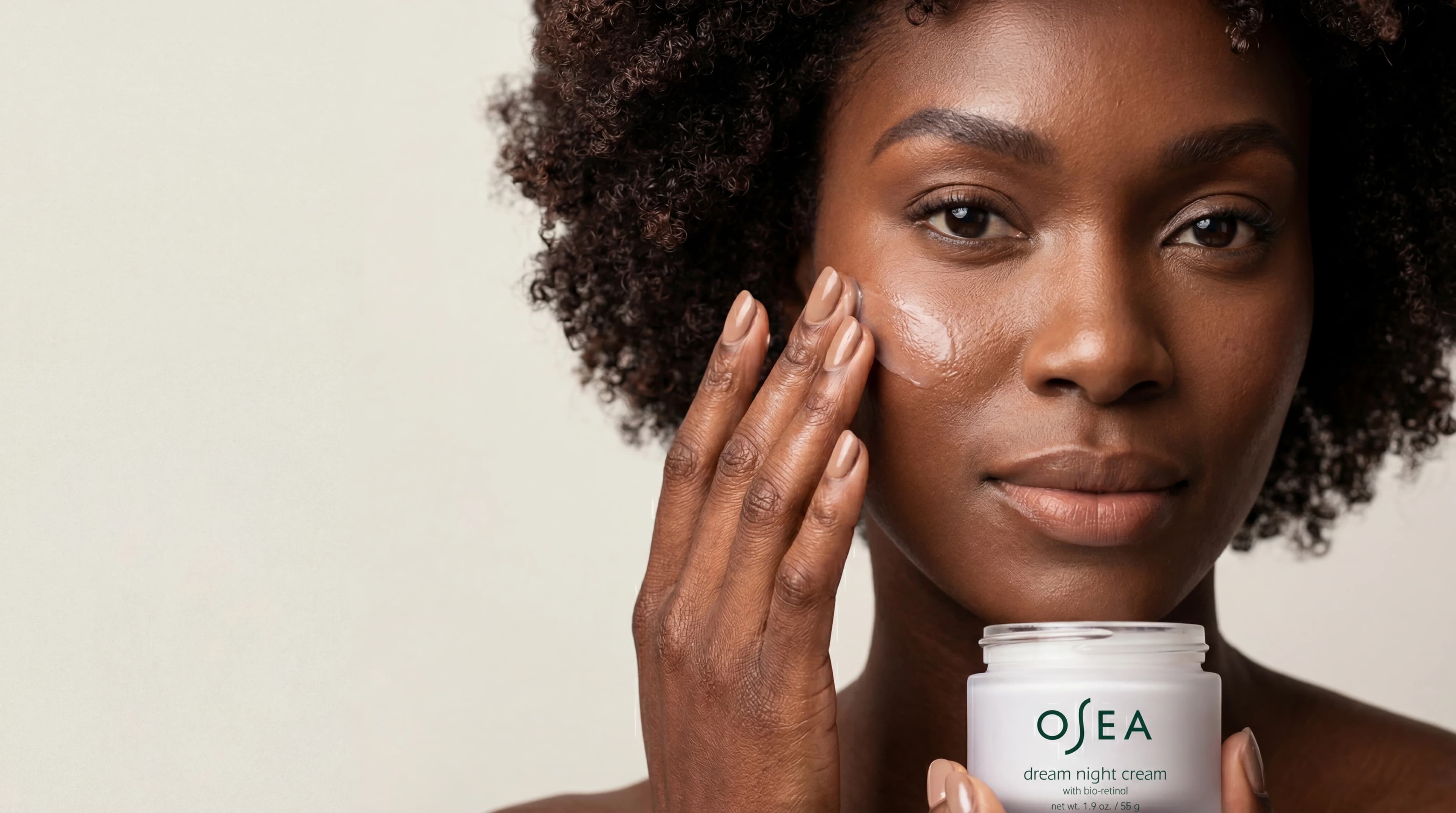
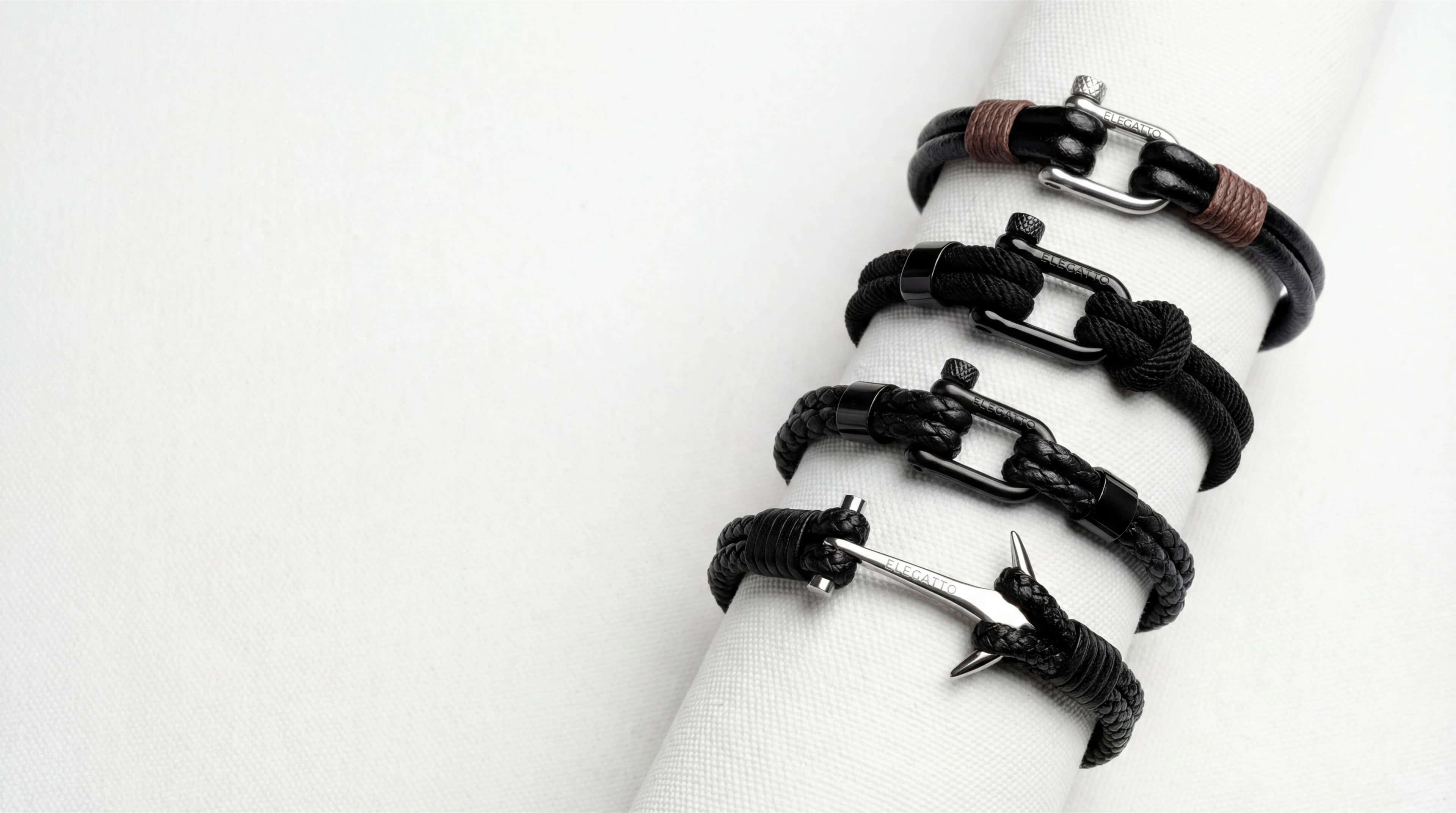
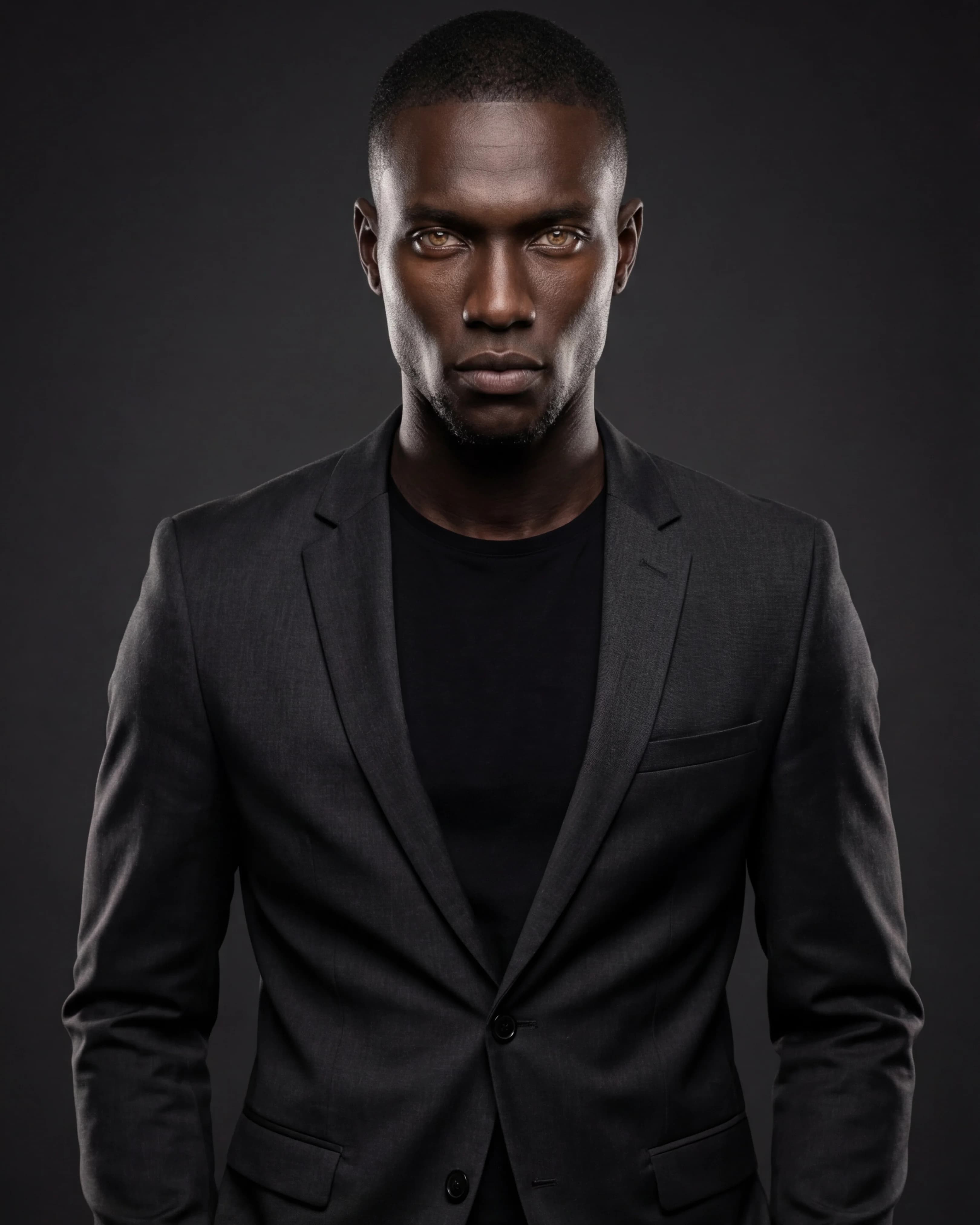
On Model
Dress AI models in your product — choose from 10 ready models or customize appearance, pose, and styling.
Best for: Fashion lookbooks, social campaigns
Choose your model, pose, lighting, and scene from visual presets. Studio builds the shot — you direct it.
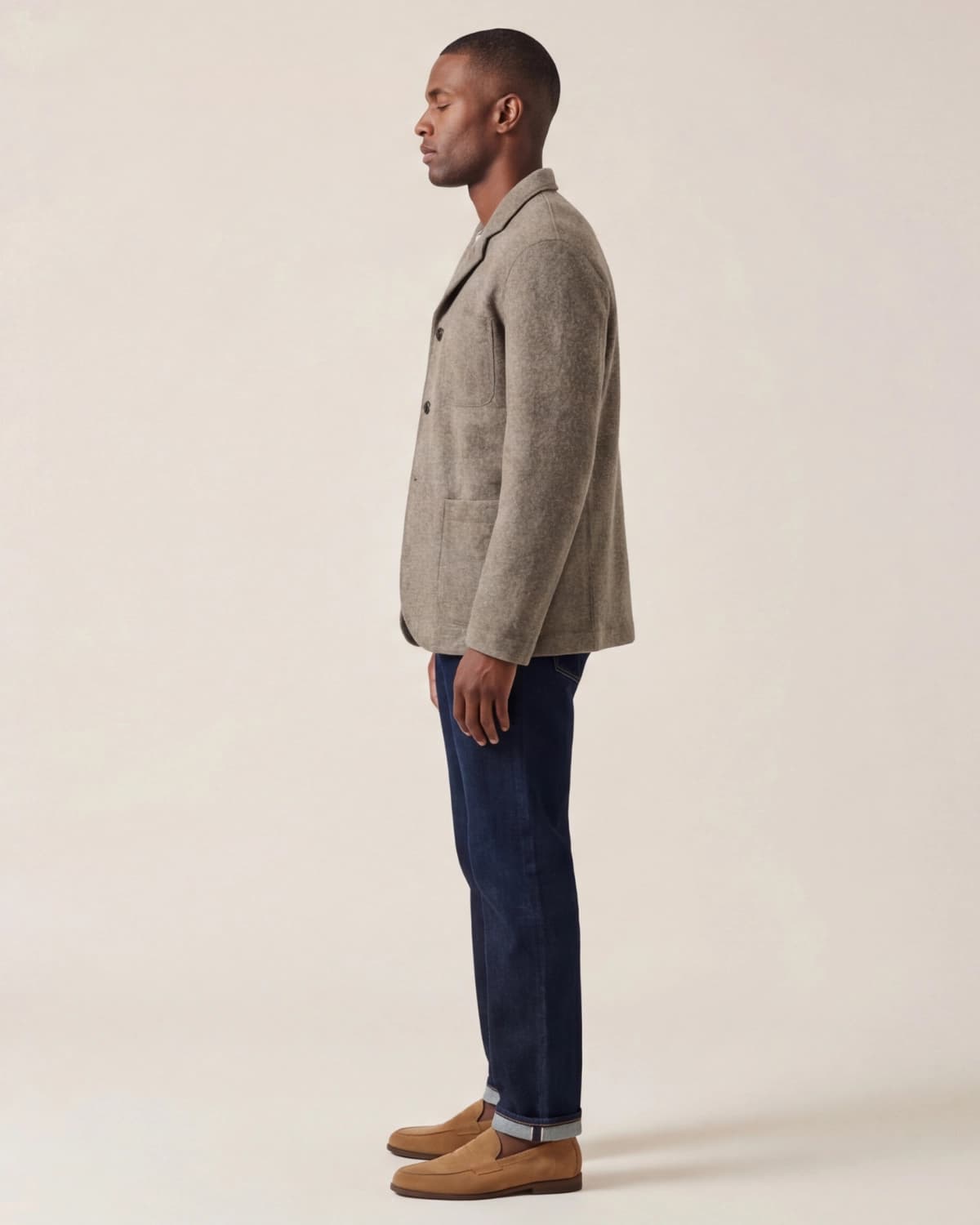
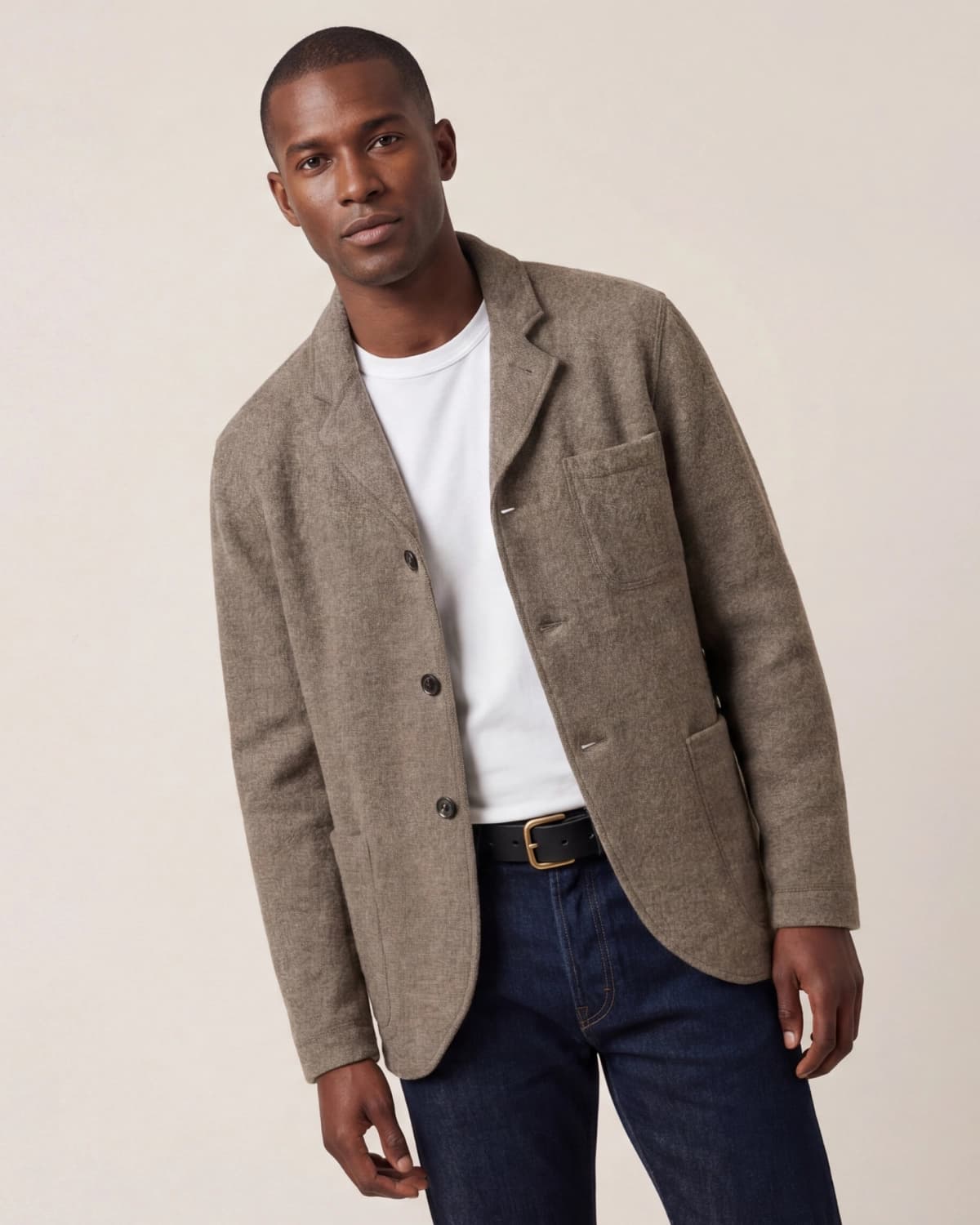
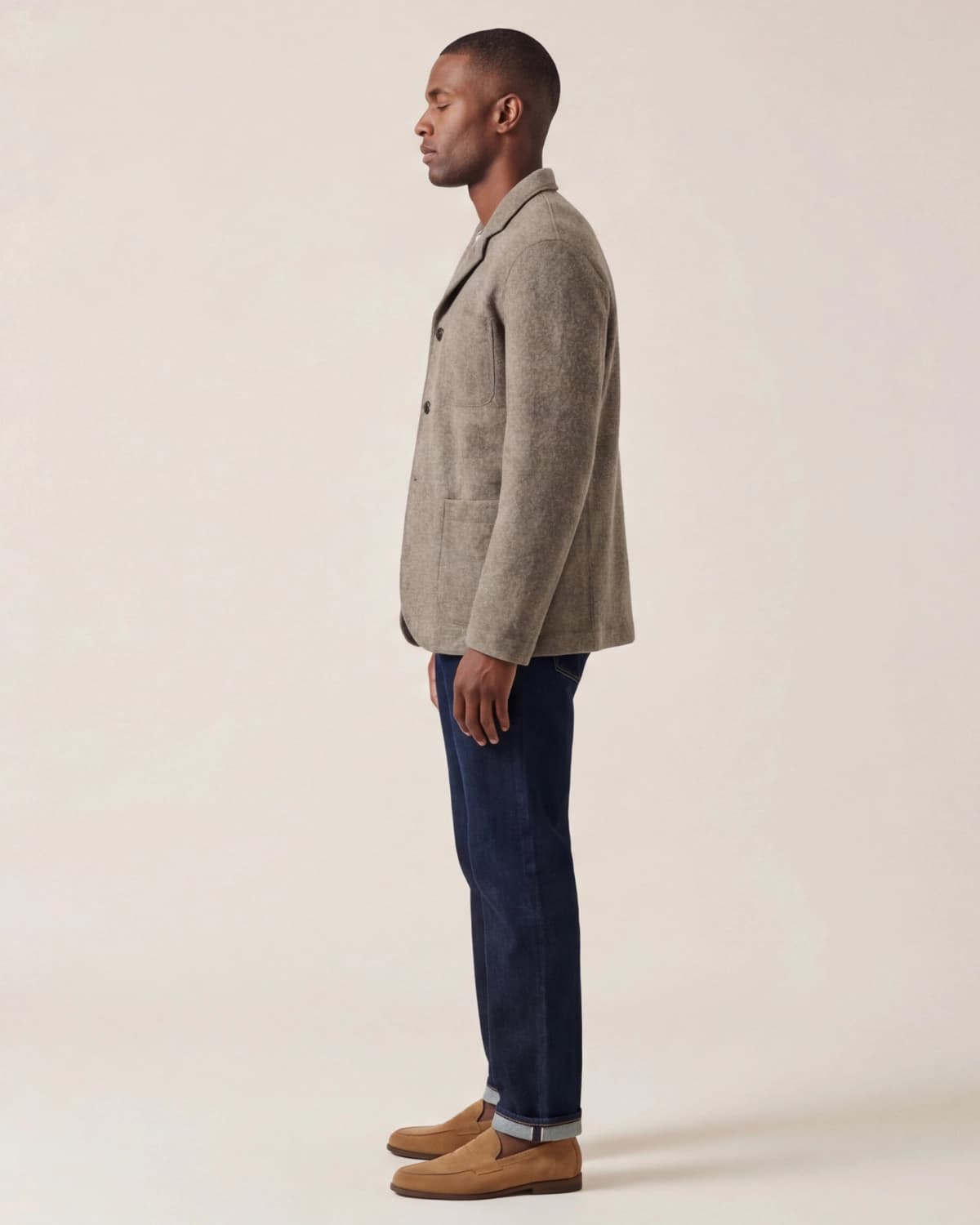
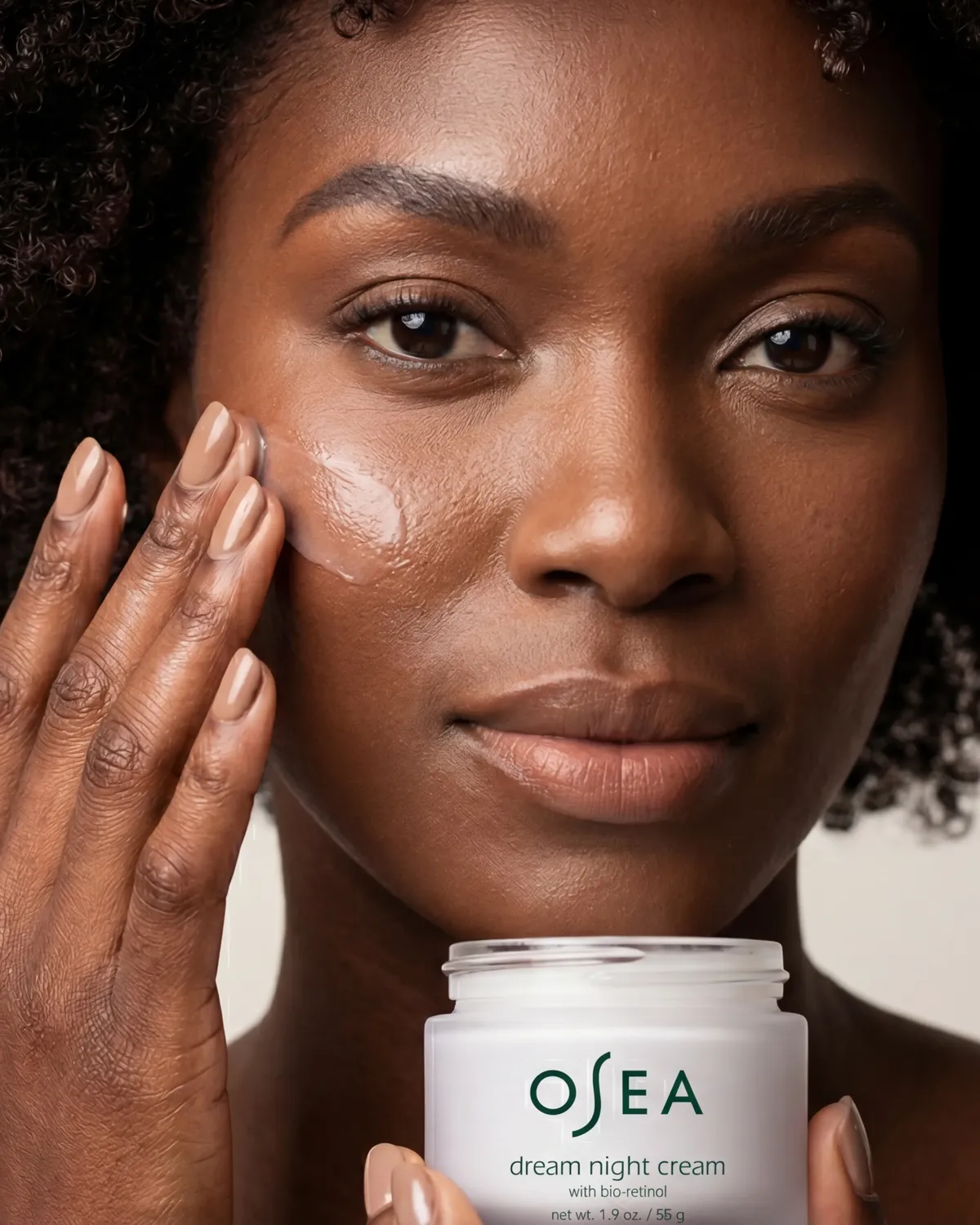
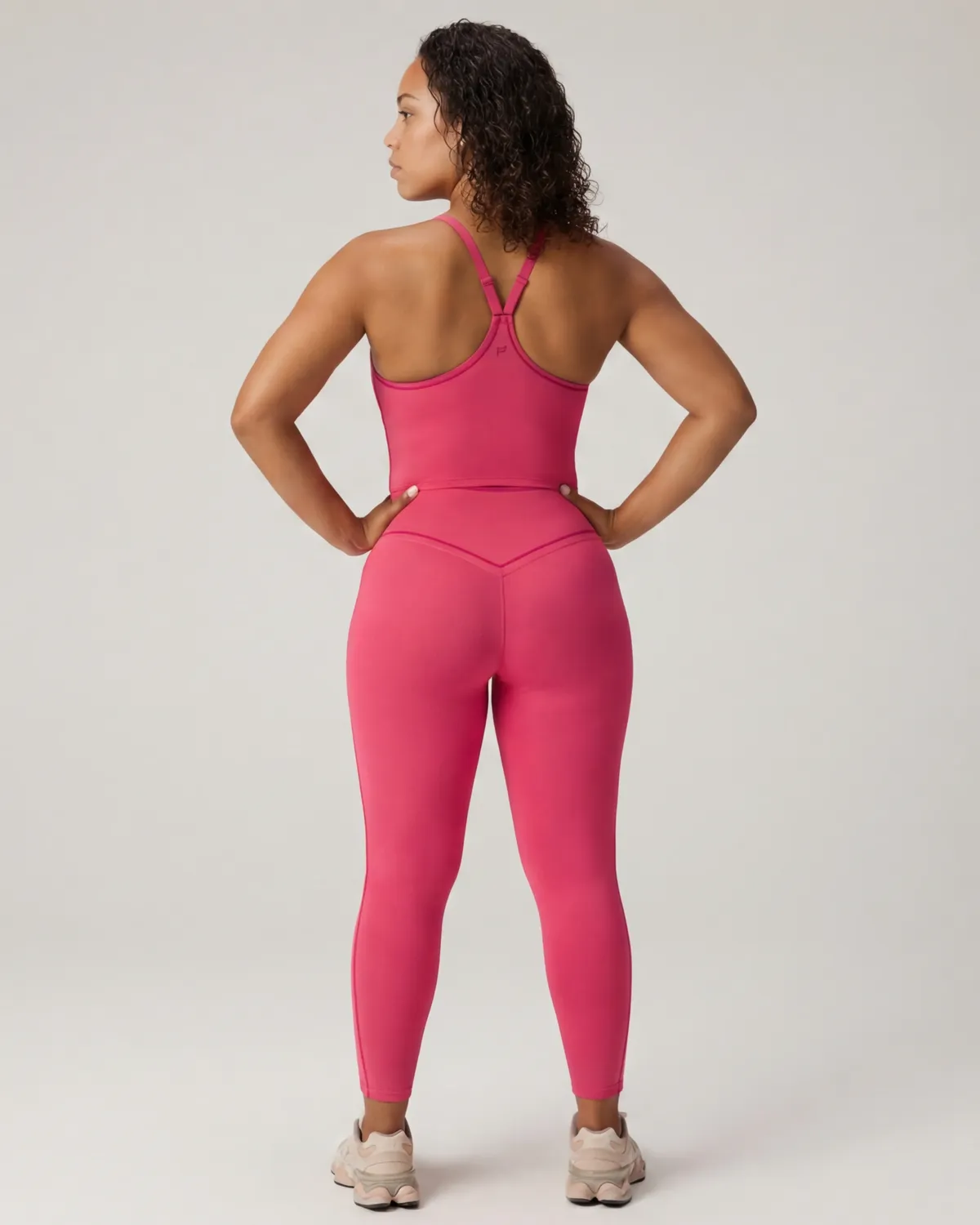
Pick a shot type, then guide every detail through visual presets — no text prompts, no starting from scratch.
Dress AI models in your product — choose from 10 ready models or customize appearance, pose, and styling.
Best for: Fashion lookbooks, social campaigns
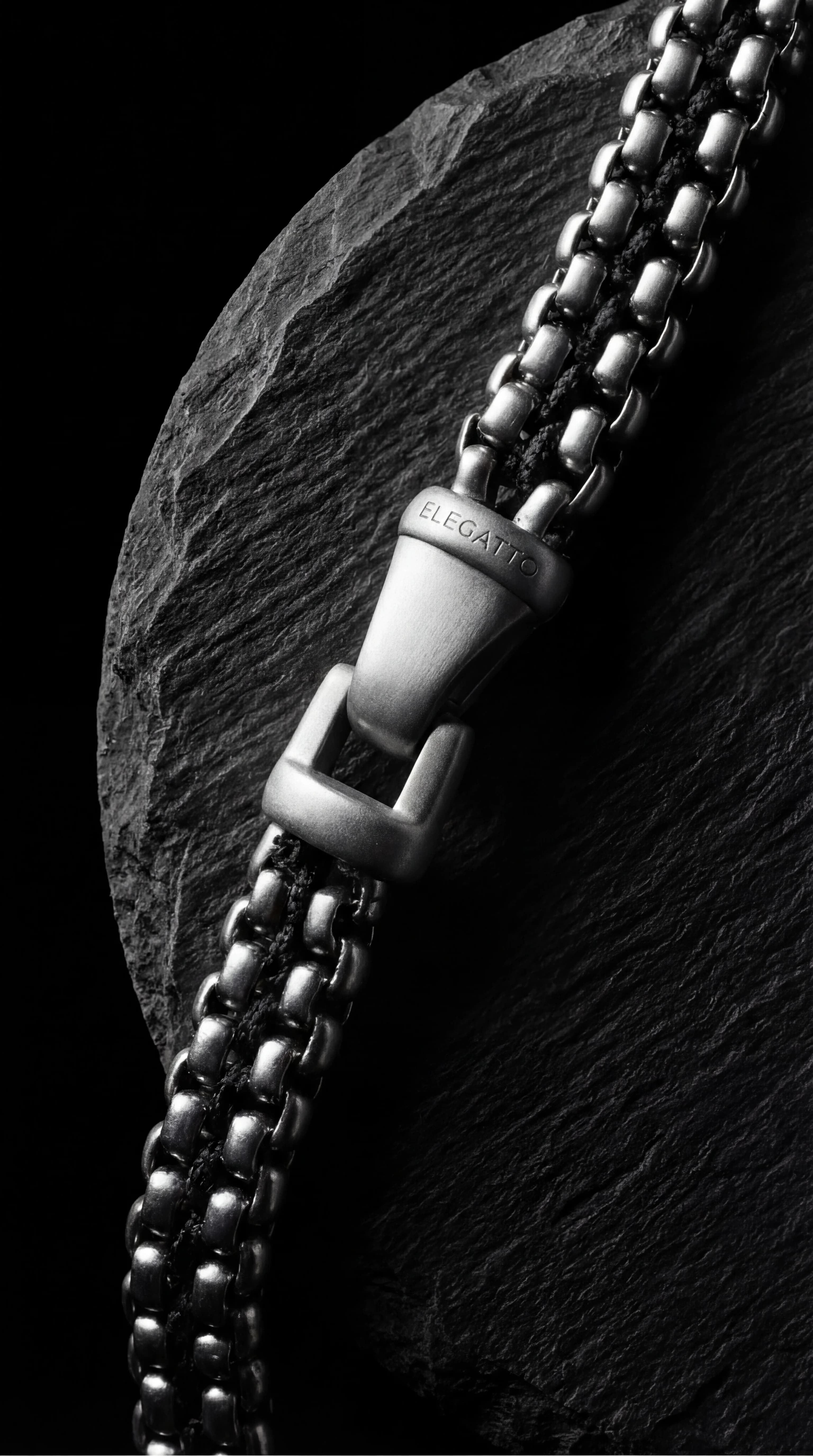
Arrange your product on curated surfaces with props and lighting — from marble to velvet, styled automatically.
Best for: Product pages, detail features
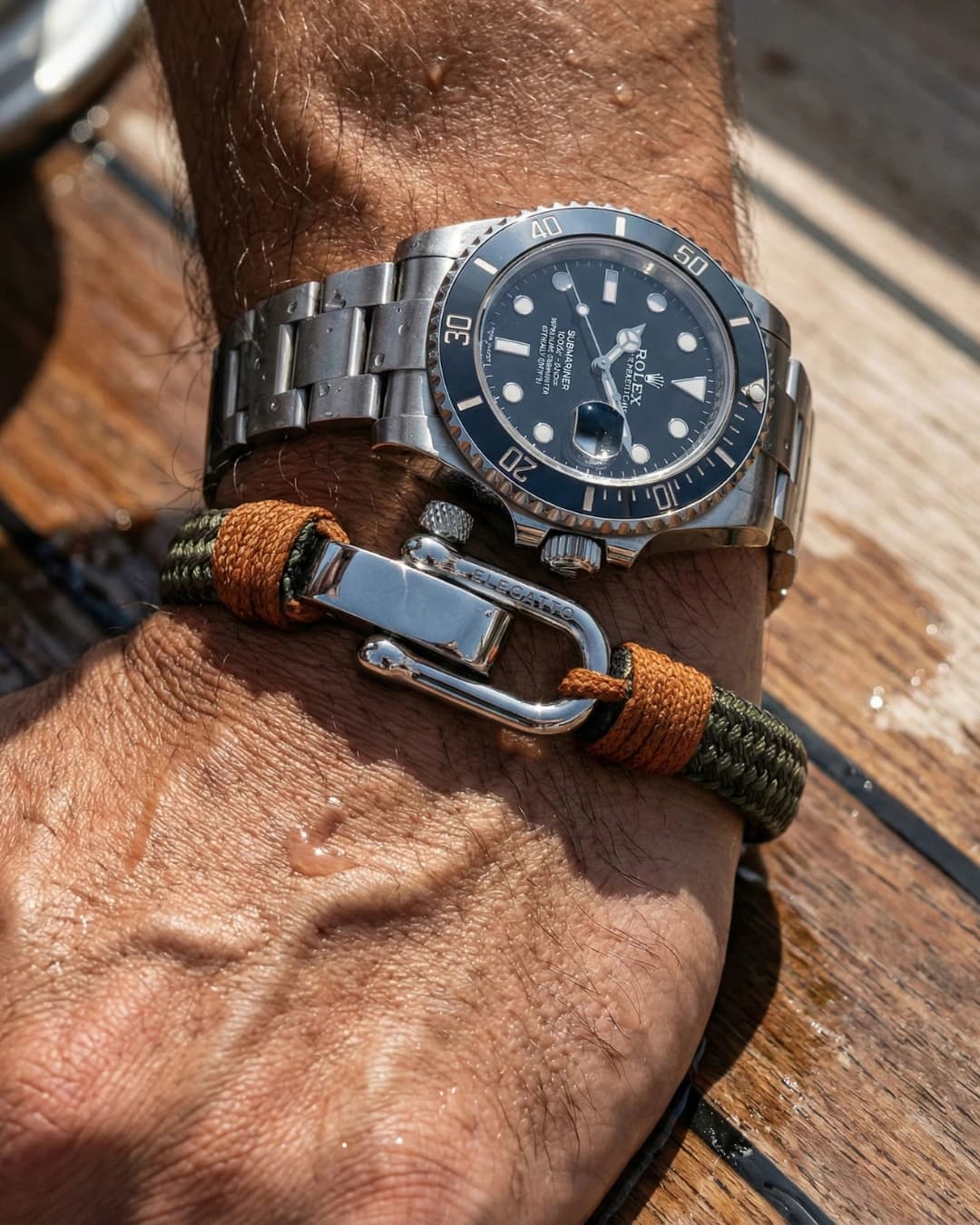
Place your product in a complete scene — choose background, lighting, and mood to match your brand.
Best for: Ad creatives, storefront banners
Follow each stage from input photo to final campaign visuals with clear controls at every step.
01
Select Apparel, Accessories, or Skincare — Studio adjusts available shot types and controls for your product.
02
Drag and drop a new photo or pick from your saved product library.
03
Pick a shot type — On Model, Flat-lay, or Scene — then choose model, pose, lighting, and background from visual presets.
04
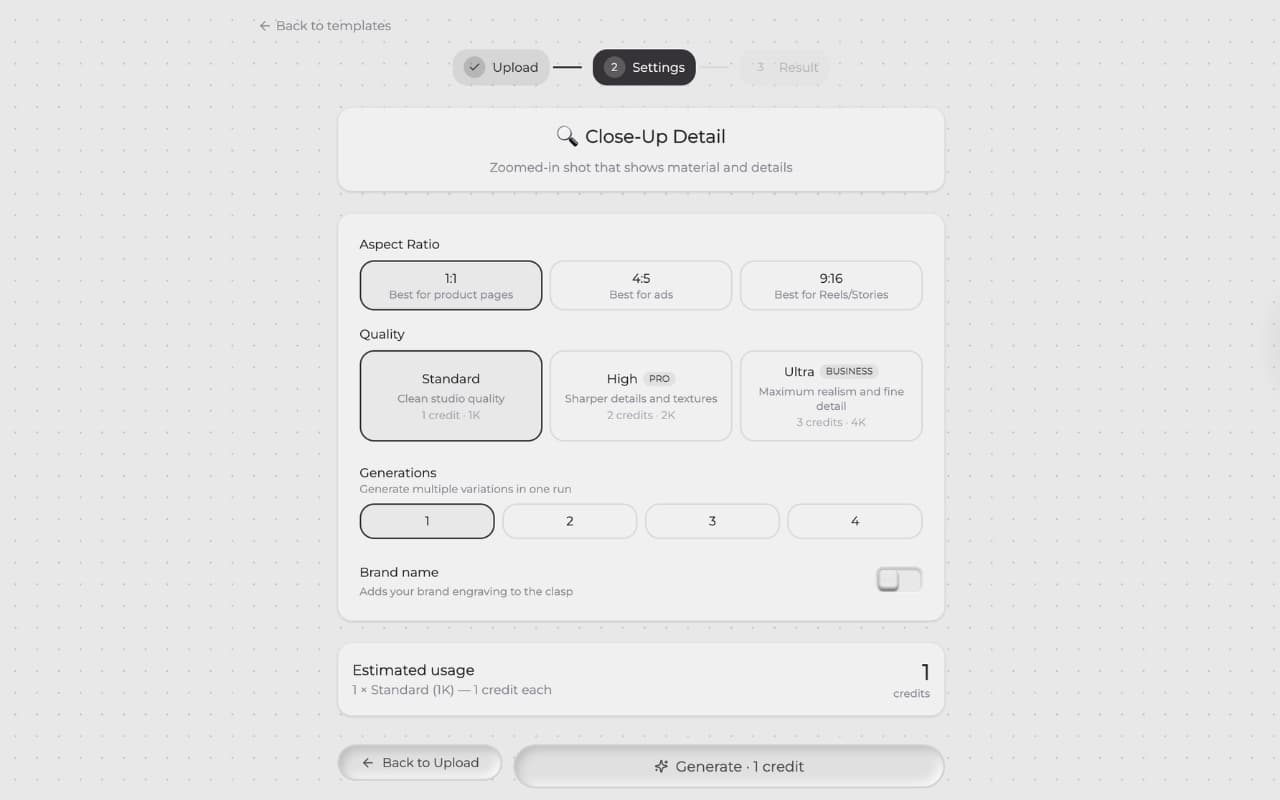
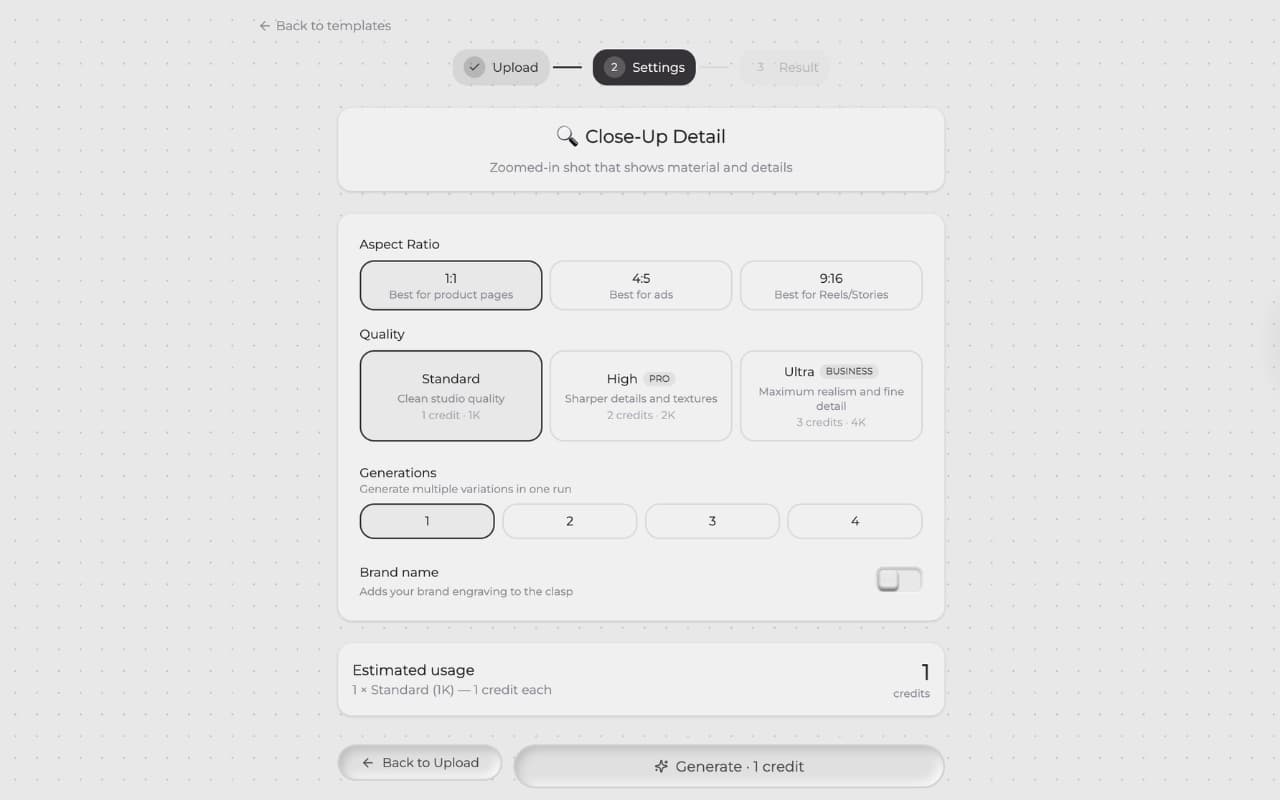
Choose aspect ratio, quality, and quantity — then generate in seconds.
Result
Get campaign-ready product images you can publish immediately to any channel.
Start with 10 free credits — no card required. See pricing
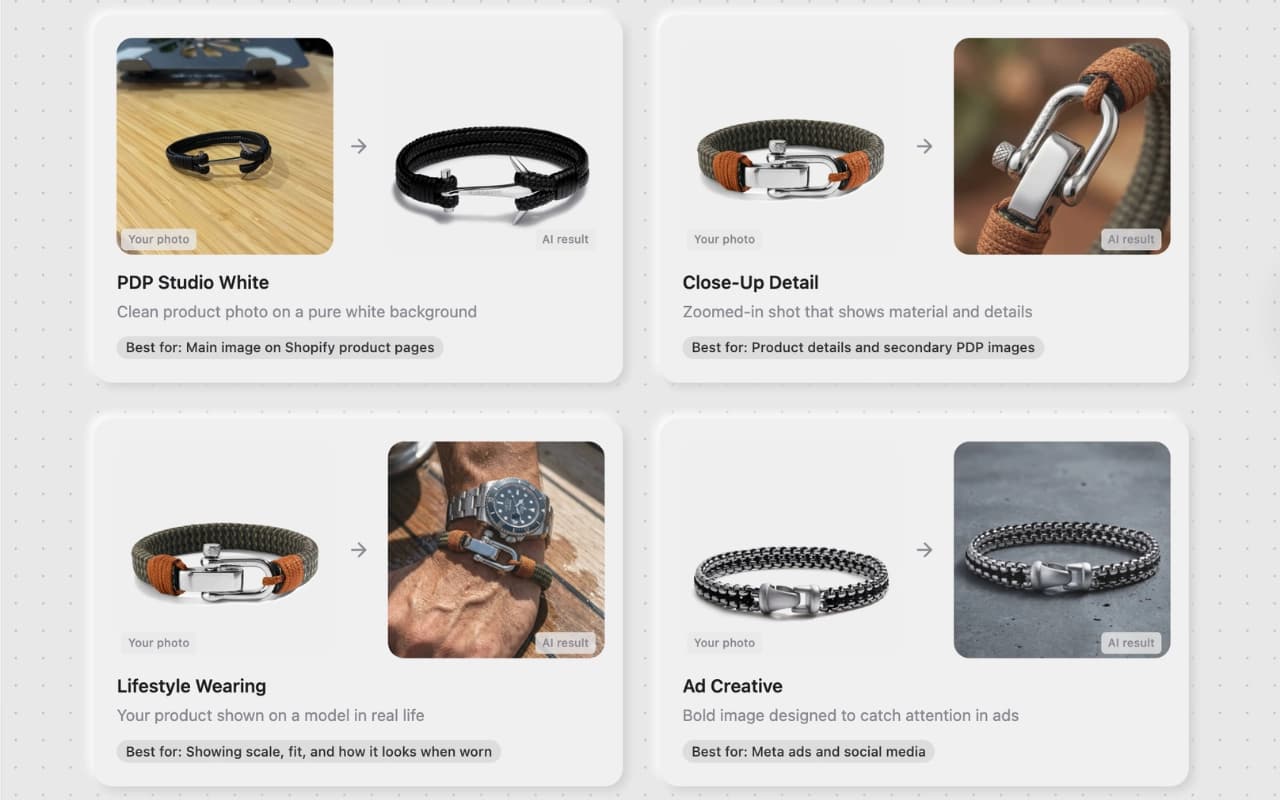
Use Templates for instant results, or Studio for guided control
— no prompts needed.