PDP
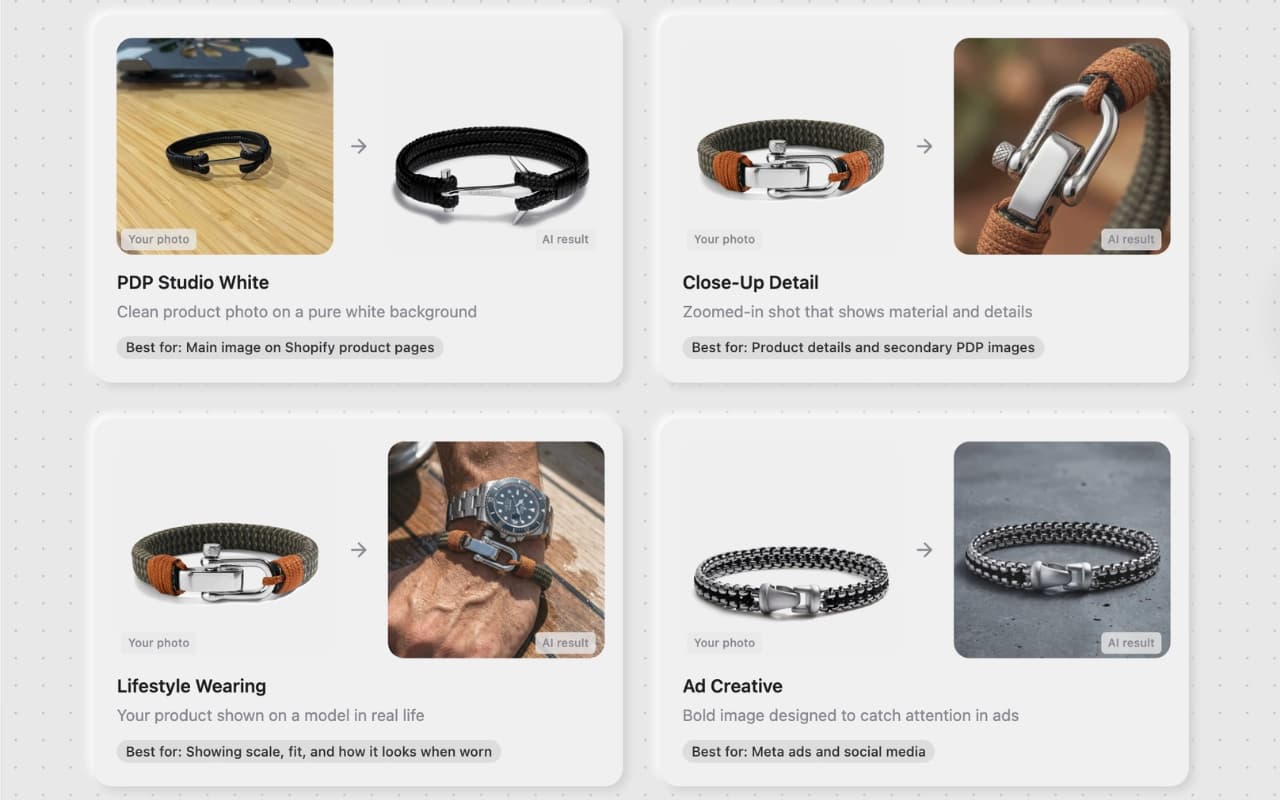
Clean white studio shot — ready for your listing in seconds.
Best for: Shopify PDP, Amazon listings
Built for teams who need high-quality product visuals quickly and consistently across channels.High-quality product visuals, fast and consistent
— built for every channel and every campaign.

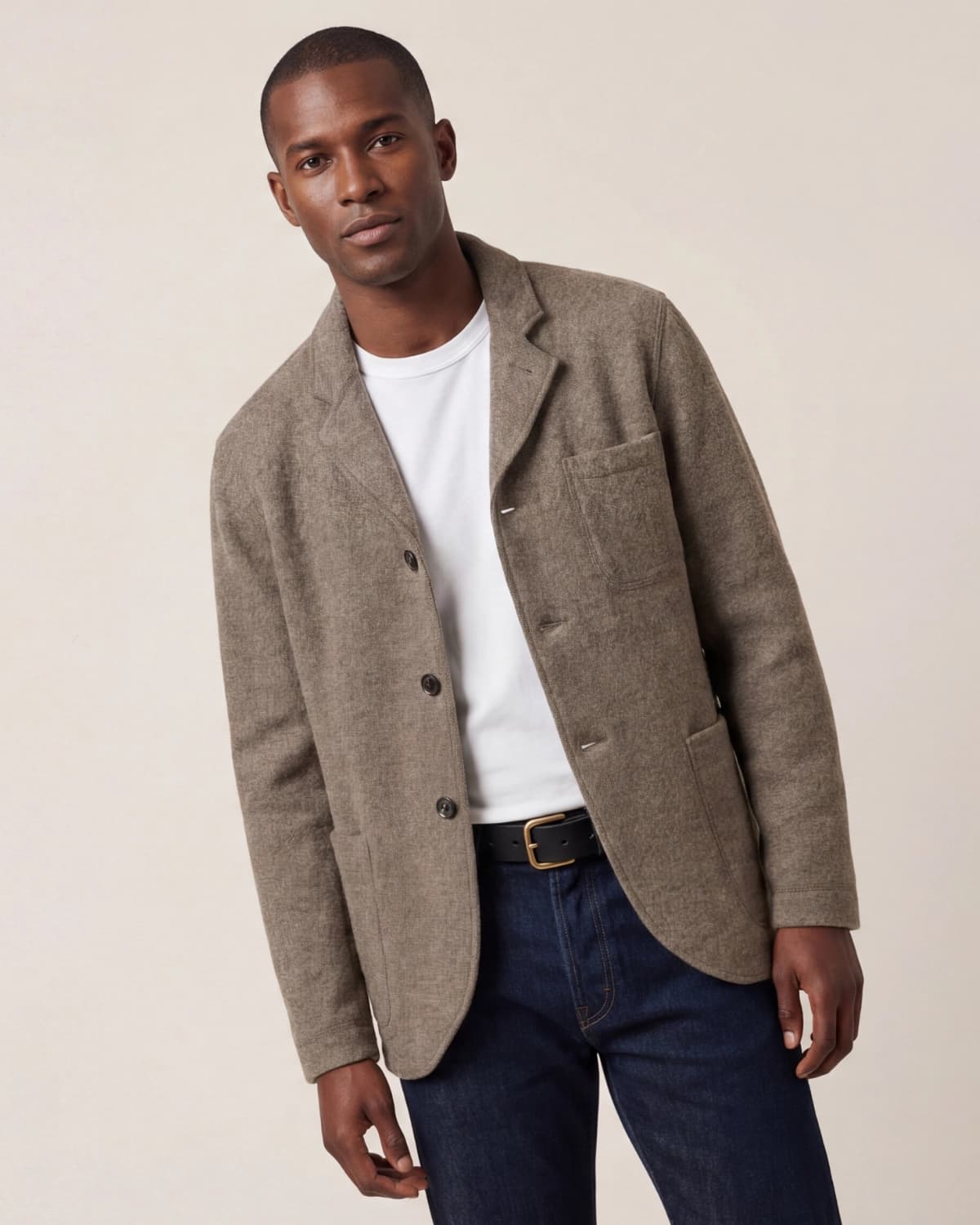
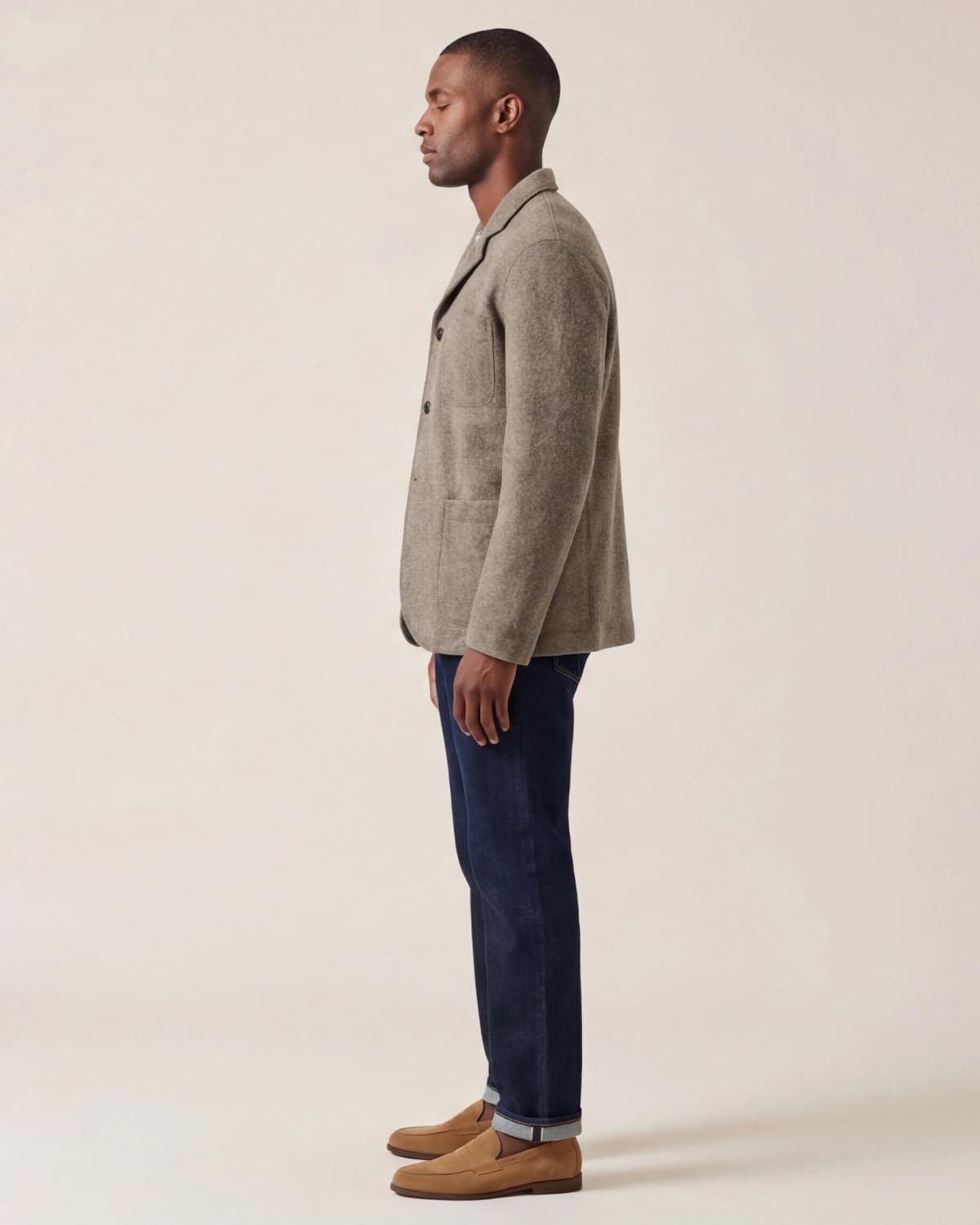
Each template adapts to your product type — Apparel, Accessories, or Skincare — so the output matches your category out of the box.
Clean white studio shot — ready for your listing in seconds.
Best for: Shopify PDP, Amazon listings

Highlight texture, stitching, and material — no macro lens needed.
Best for: Detail modules, feature highlights

Campaign-ready variations — sized for Meta, TikTok, and display.
Best for: Meta ads, TikTok ads

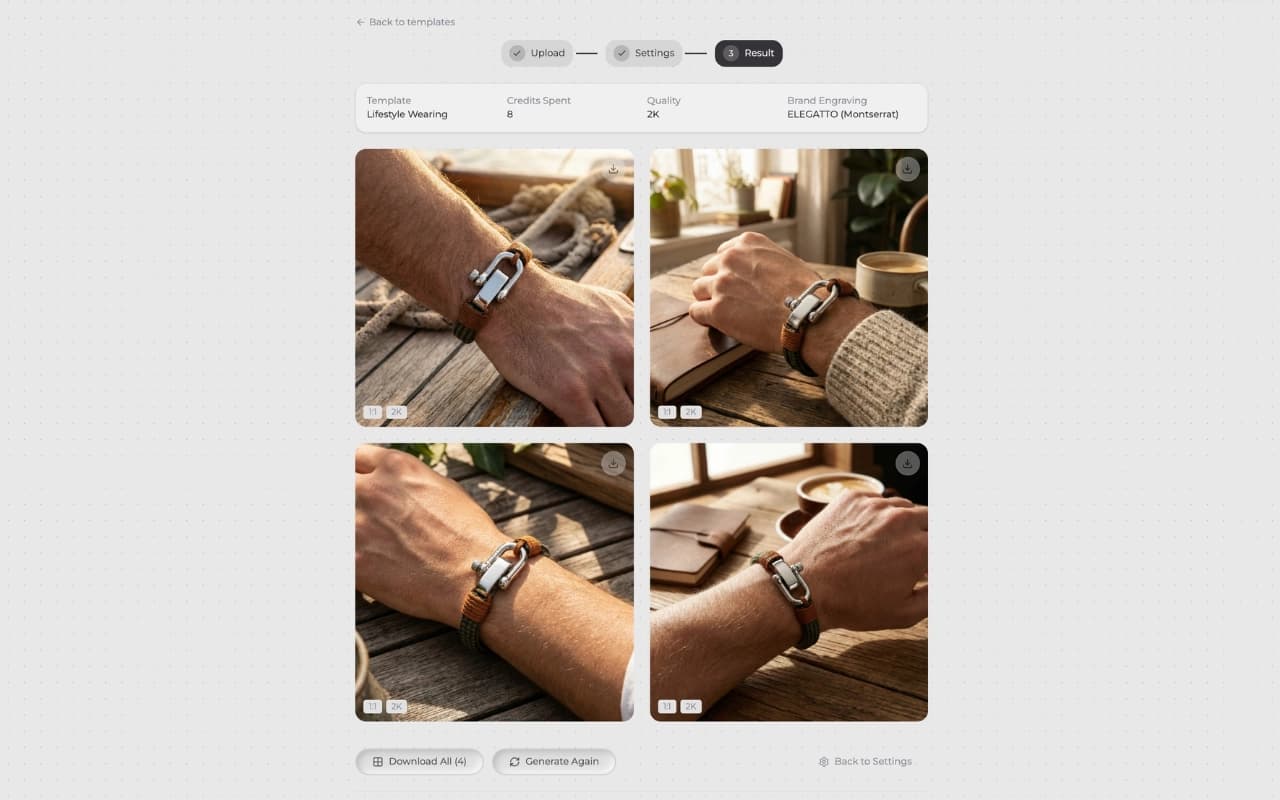
Your product in a premium scene — context that converts.
Best for: Brand pages, editorial content
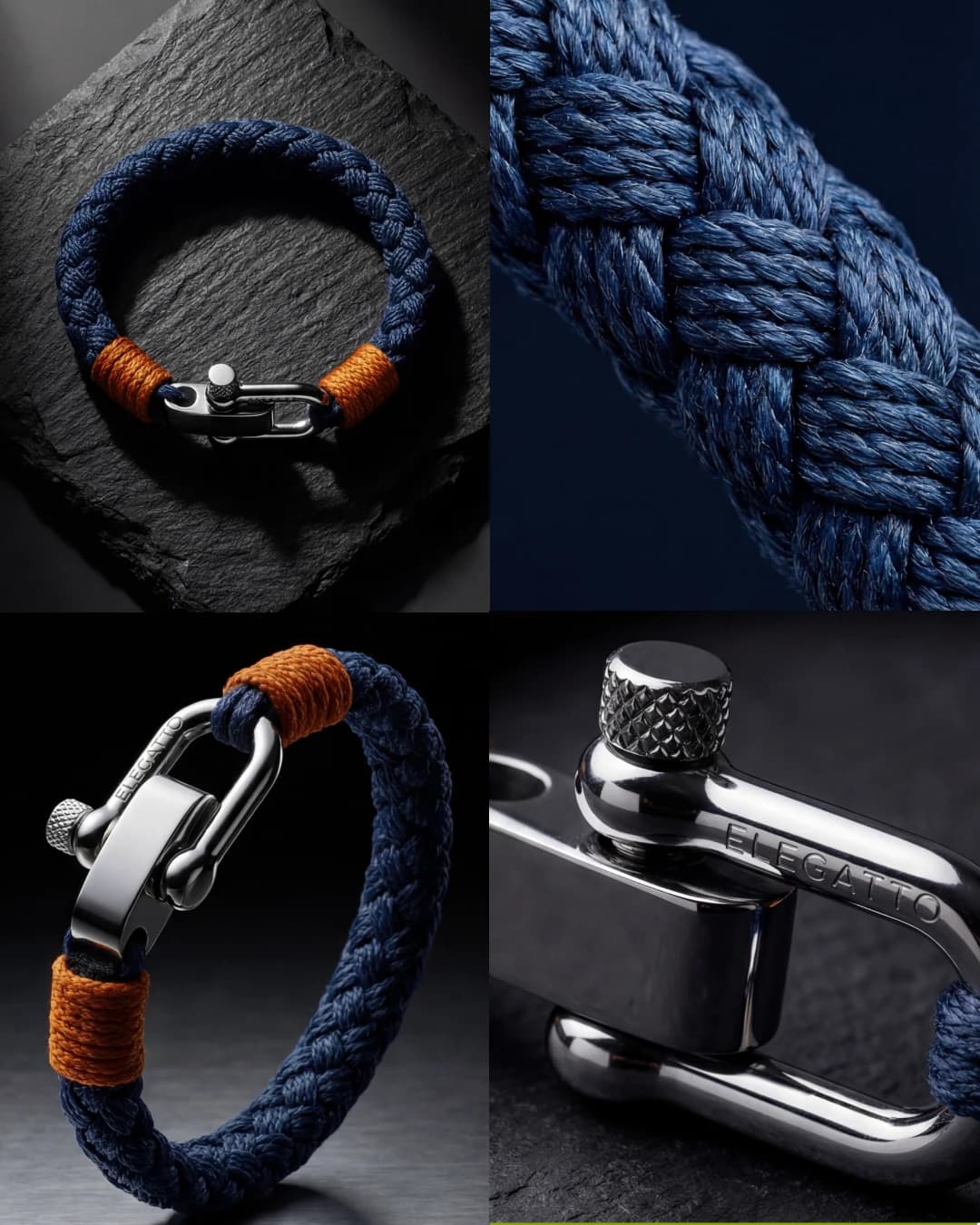
Four angles, one composition — built for collection pages.
Best for: Category pages, lookbooks

Wide-format layouts sized for feeds, stories, and banners.
Best for: Instagram, Pinterest, TikTok
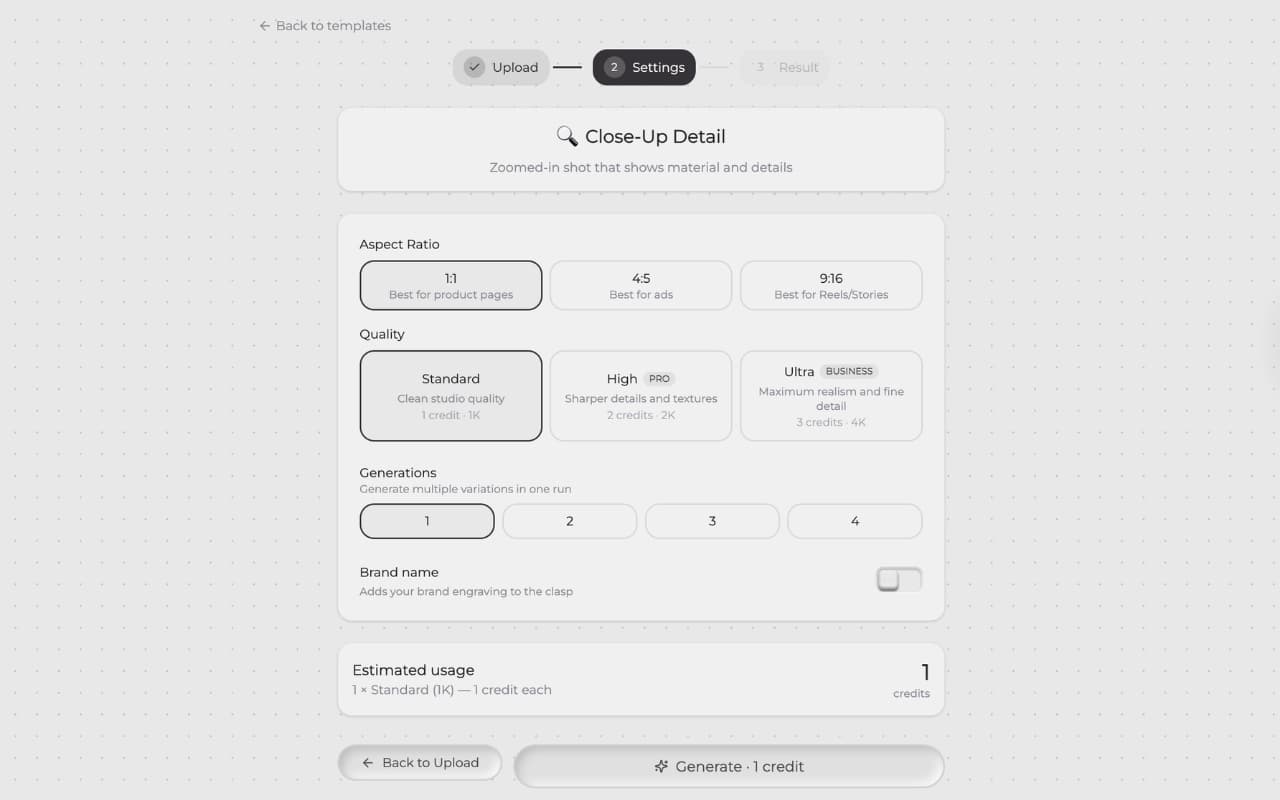
Scroll through the full process and see exactly how output moves from raw product image to publish-ready creative.
01
Pick the format that matches your channel — PDP, Close-up, Ad Creative, Lifestyle, or Grid.
02
Drag and drop a new photo or pick from your saved product library.
03
Choose aspect ratio, quality, and quantity — then generate in seconds.
Result
Get publish-ready product images you can use immediately across any channel.
Start with 10 free credits — no card required. See pricing
Use Templates for instant results, or Studio for guided control
— no prompts needed.